 MarkdownRS
A feature-rich Markdown editor, focused on performance and minimal UI.


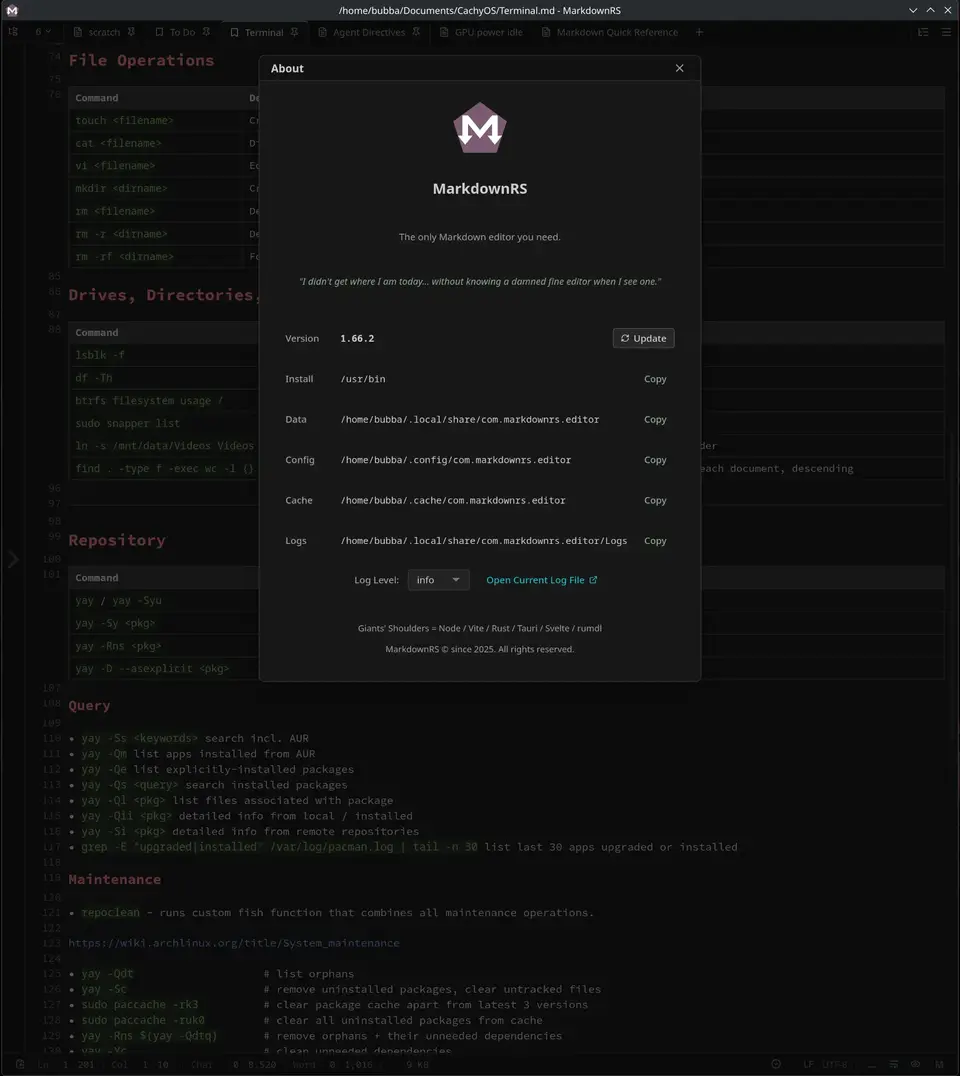
Features
Performance
- Native core: Rust, Tauri and SQLite.
- Startup: in milliseconds, tuned for minimal resource usage.
- Cached math: KaTeX expressions are cached, never re-rendered.
Editing
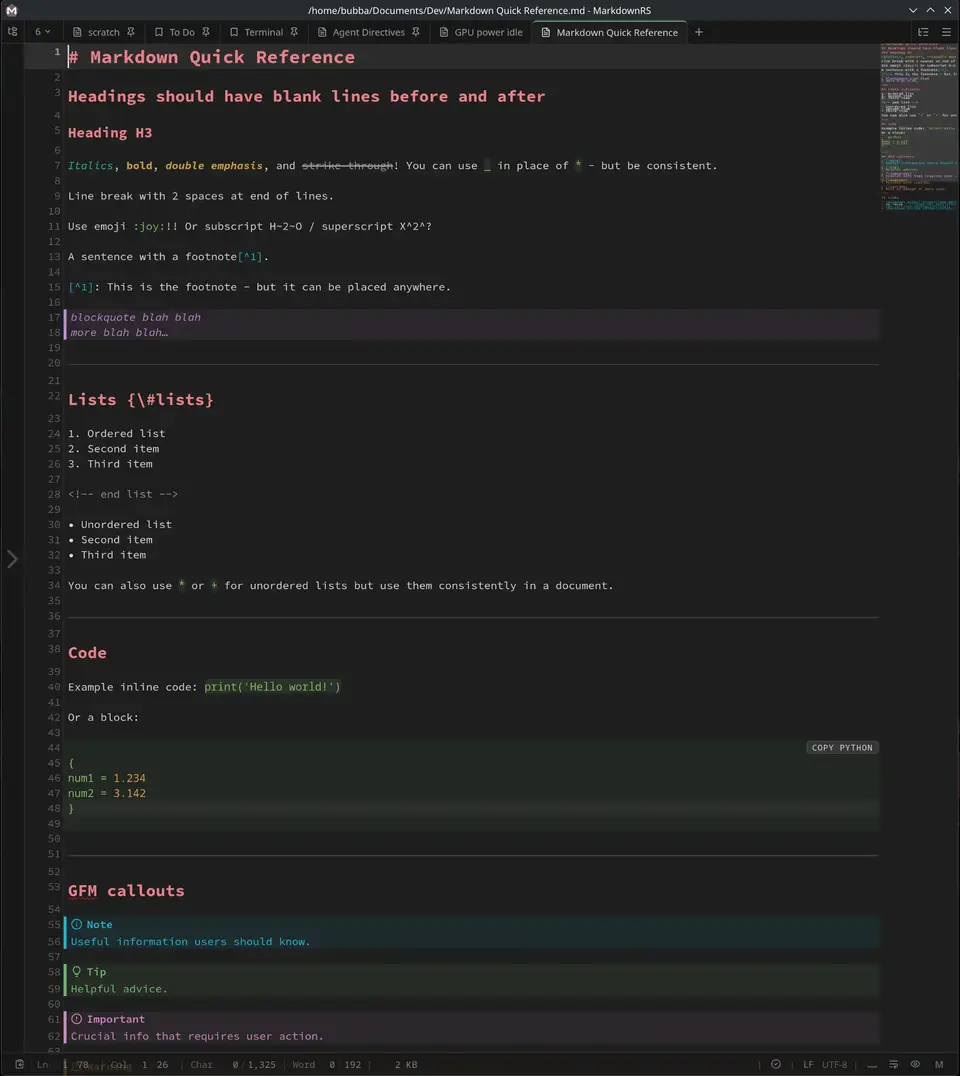
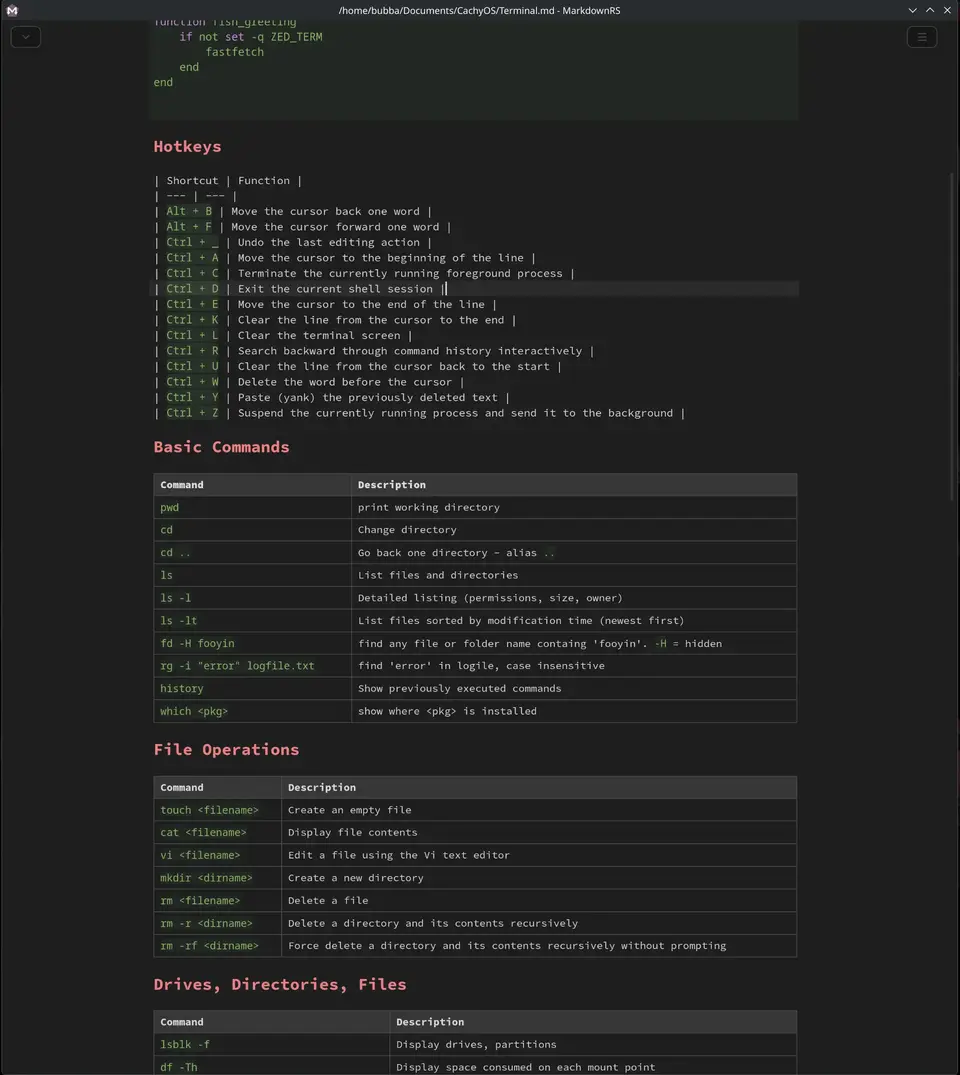
- Markdown: GitHub Flavored Markdown and CommonMark, raw or rendered mode.
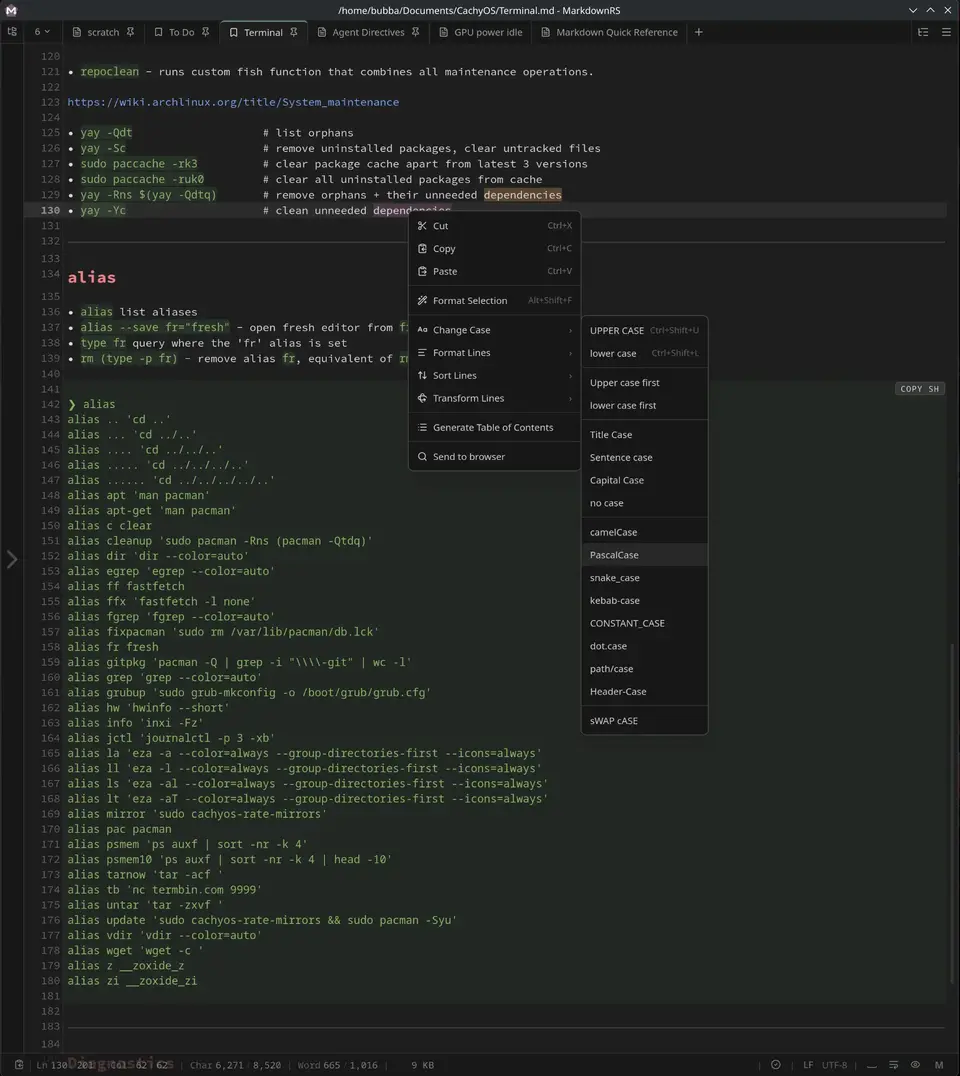
- Editor: CodeMirror 6 with syntax highlighting, multi-cursor, bracket matching, whitespace display.
- Find and replace: across all open tabs, with match case, whole word and regex.
- Lint and format: embedded rumdl, rules edited in-app (usage).
- Grammar: optional Harper check, per-rule overrides in
settings.toml(usage). - Text tools: sort lines, case transforms, move or duplicate a line, comment toggle, frontmatter insertion.
- Emoji: picker.
Preview
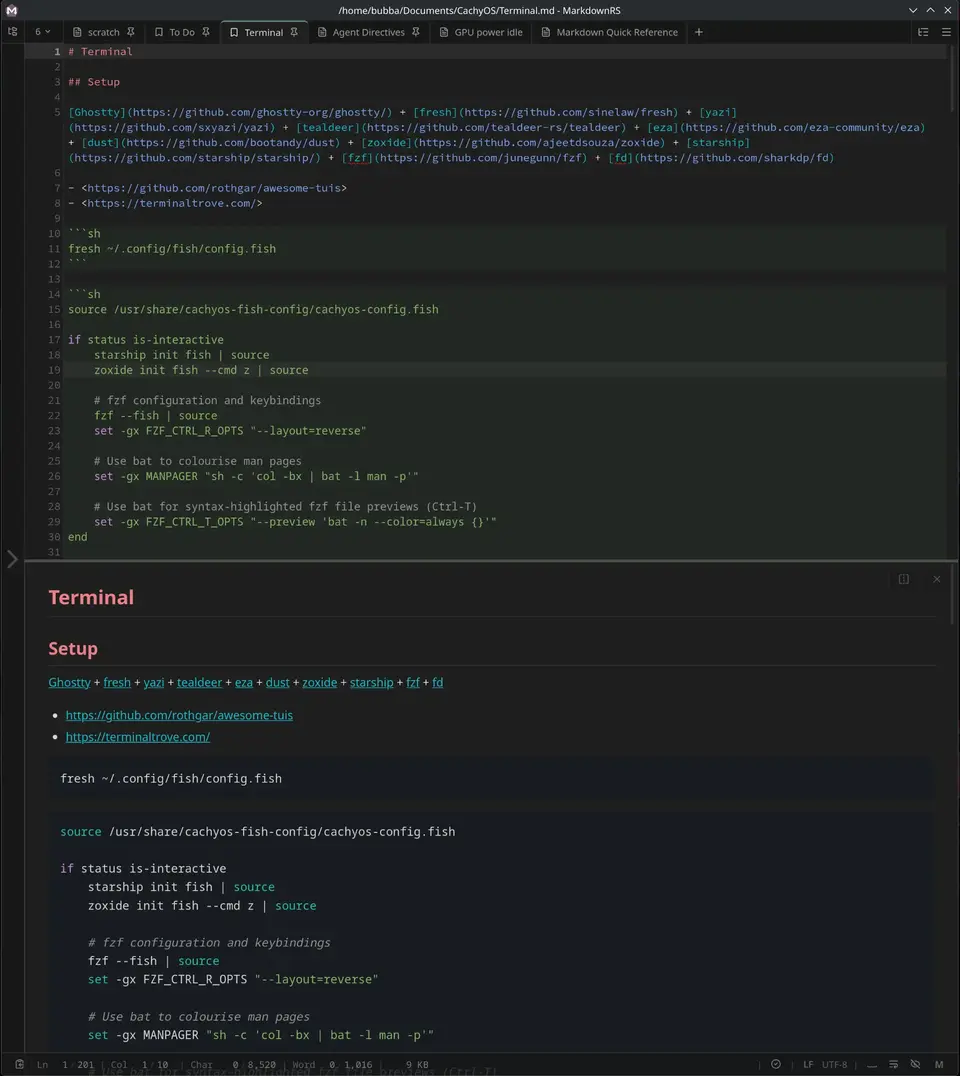
- Split view: bi-directional synchronised scrolling.
- Math: KaTeX inline and display, rendered offline.
- Diagrams: Mermaid fences, rendered offline.
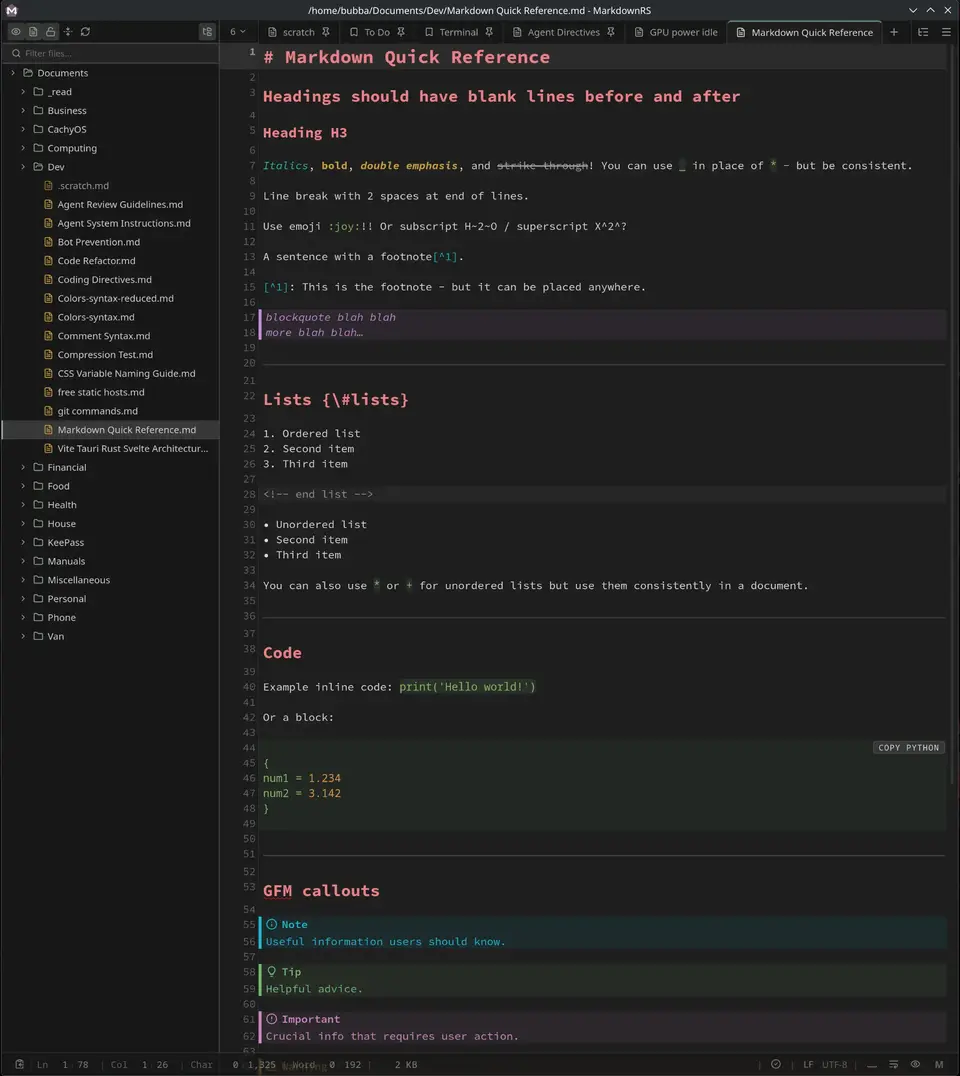
- Outline: heading list that jumps to the section.
- Writer mode: the editor alone, no chrome.
- Minimap: scroll overview of the document.
Documents
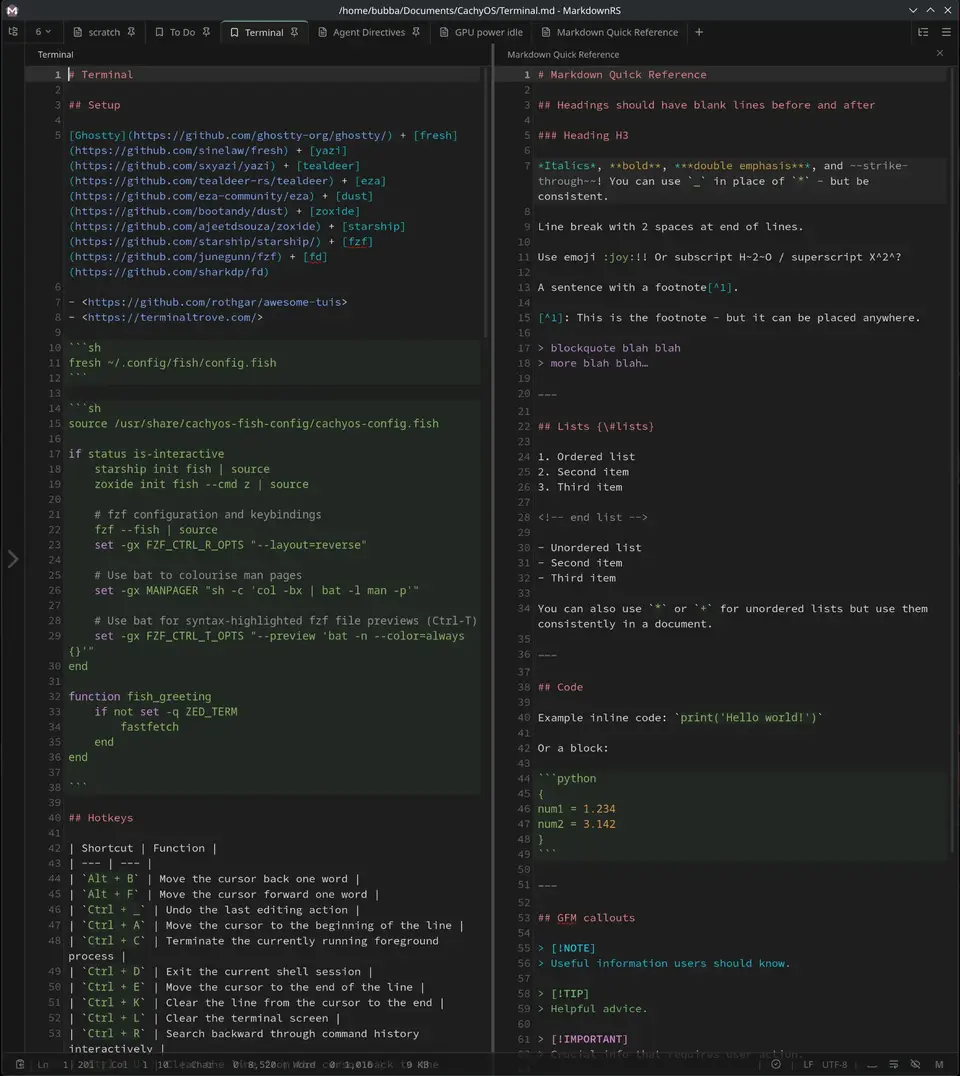
- Tabs: multi-tab editing with pinning and drag reordering; switch by number, by MRU, or reopen the last closed.
- File tree: live directory tree backed by a filesystem watcher.
- Bookmarks: tagged, stored in SQLite.
- File history: recently opened files.
- Templates: new files from per-type templates.
- Hot exit: unsaved buffers, scroll position and open tabs survive a close or crash.
Export
- Documents: PDF, DOCX, EPUB, LaTeX.
- Images: PNG, WebP, SVG.
- Web: standalone HTML.
Customisation
- Themes: built-in and custom, light, dark, or follow the OS.
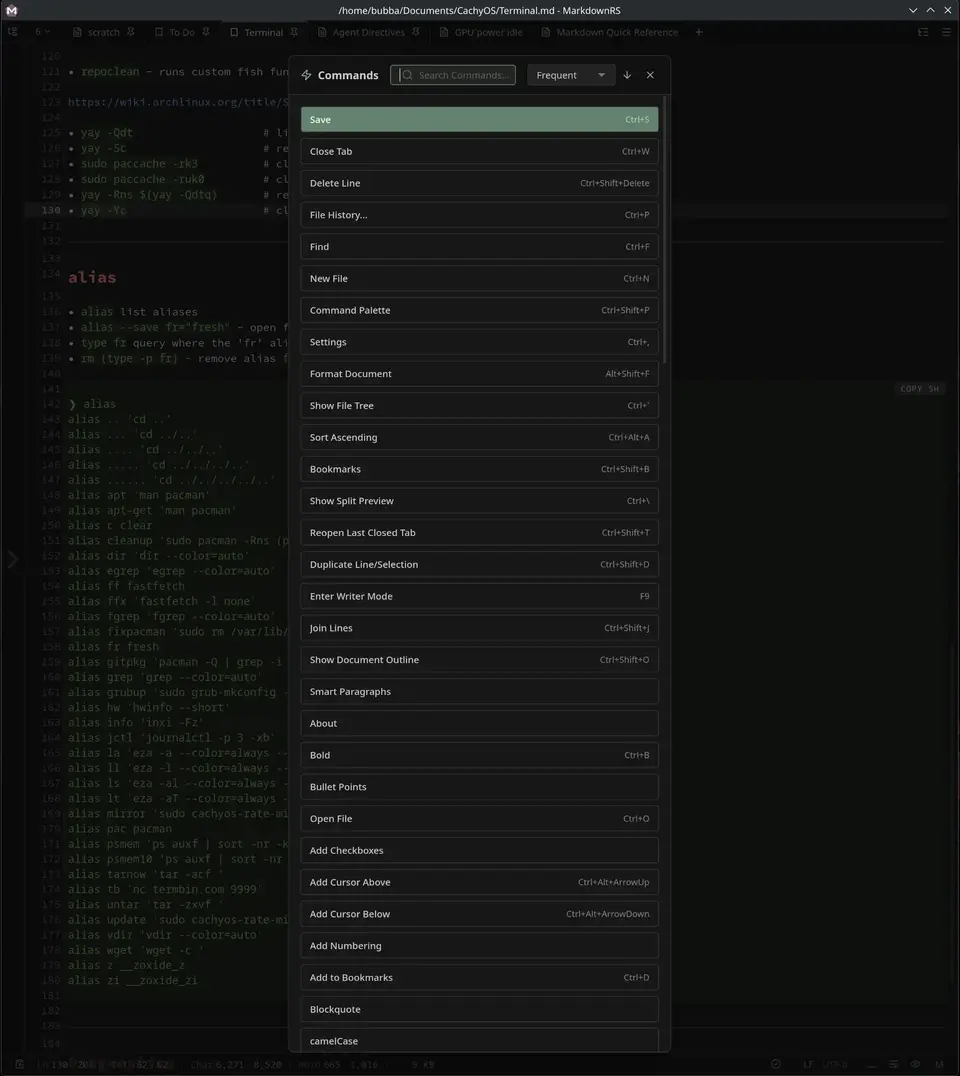
- Command palette: every command searchable.
- Shortcuts: fully customisable, with reference sheet.
- Zoom: in, out and reset.
- Spellcheck: 44 downloadable dictionaries.
- Toggles: word wrap, minimap, whitespace and line-length guide.
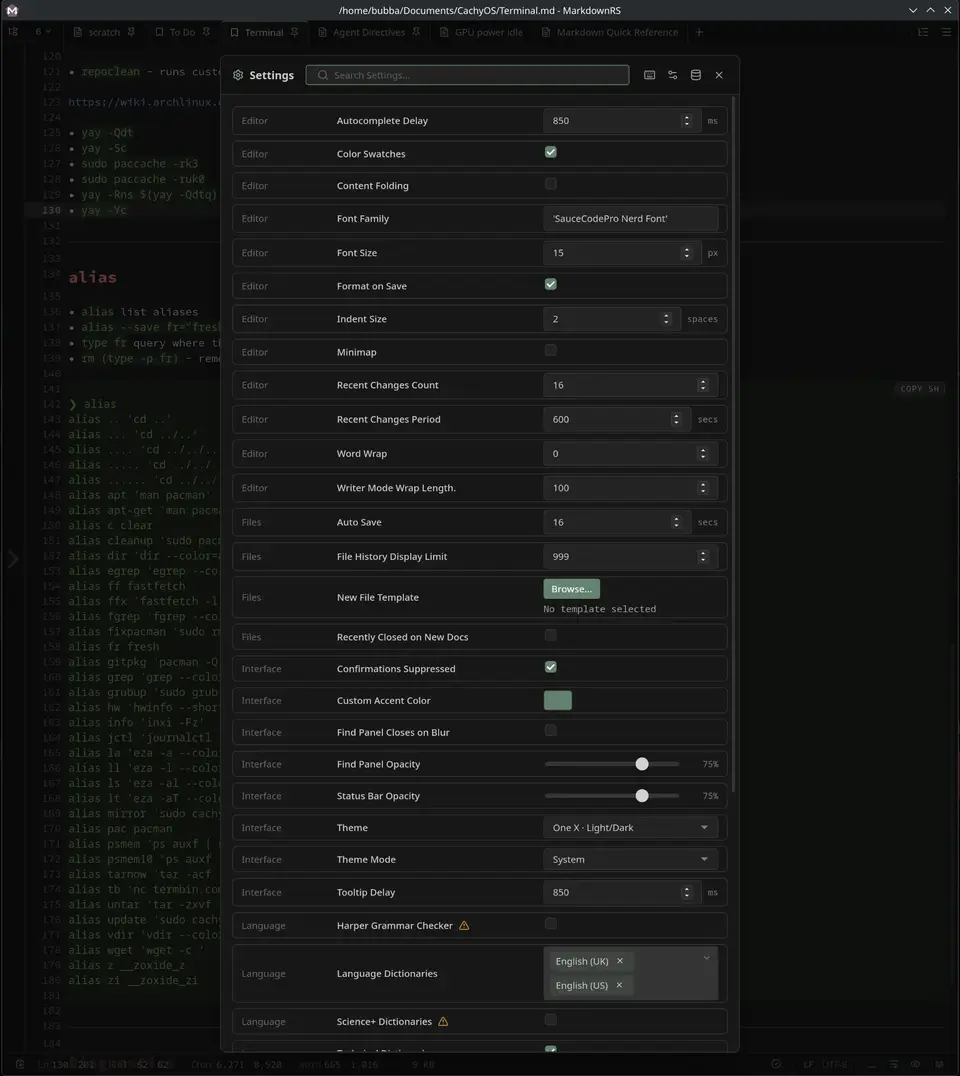
- Settings: persisted in
settings.toml.
System Integration
- Auto-update: signed updates from GitHub Releases.
- Packages: AppImage,
.deb,.rpm, pacman, Windows NSIS.
Install
Download GitHub Latest Release:
| Platform | Format | Install |
|---|---|---|
| Linux | AppImage | chmod +x MarkdownRS_*.AppImage && ./MarkdownRS_*.AppImage |
| Debian / Ubuntu | .deb |
sudo apt install ./MarkdownRS_*.deb |
| Fedora / RHEL | .rpm |
sudo dnf install ./MarkdownRS-*.rpm |
| Arch / CachyOS | .pkg.tar.zst |
sudo pacman -U MarkdownRS-*.pkg.tar.zst |
| Arch / CachyOS | PKGBUILD (local build) |
bun install && bun run package |
| Windows | NSIS .exe |
run the .exe |
[!NOTE] The AppImage does not install anything, so copy the file to a permanent directory. The first run adds itself to the application menu, and makes itself the default Markdown handler.
Usage
Lint & Format
The embedded rumdl lints and formats Markdown; rules can be configured with the built-in editor. Config files (.rumdl.toml or rumdl.toml) can sit at project or home level; without one, the built-in defaults apply.
Grammar
Harper grammar checker rules can be edited in settings.toml:
[harperLinters]
OxfordComma = false      # disable a rule
LongSentences = true     # force a rule on
Math
Math renders using standard KaTeX notation.
Development
Tech Stack
| Layer | Stack |
|---|---|
| Core | Rust, Tauri, SQLite |
| UI | Svelte, TypeScript |
| Editor | CodeMirror |
| Build | Vite, bun, Node.js |
| Quality | Vitest, Biome |
| Workflow | Lefthook, Cocogitto |
Build & Run
bun install            # Install dependencies
bun run check          # Full check: Svelte types, Biome lint, and cargo clippy
bun run fix            # Apply all fixes, then run the full check
bun run update         # Update packages + crates
bun run dev            # Start dev server / HMR
bunx tauri build       # Build distributable bundles (.deb, .rpm, .AppImage, NSIS)
bun run clean          # Remove build artifacts, target, and node_modules
sudo bun run package   # build, pack, then install (rerun `bun run pkg-install` if the password prompt is missed)
#
bun run website        # Start website dev server (HMR) @ http://localhost:5173/
LLM Use
Large Language Models were used to assist with code generation and documentation. All output was subject to human review, automated testing, manual testing, and adversarial reviews.